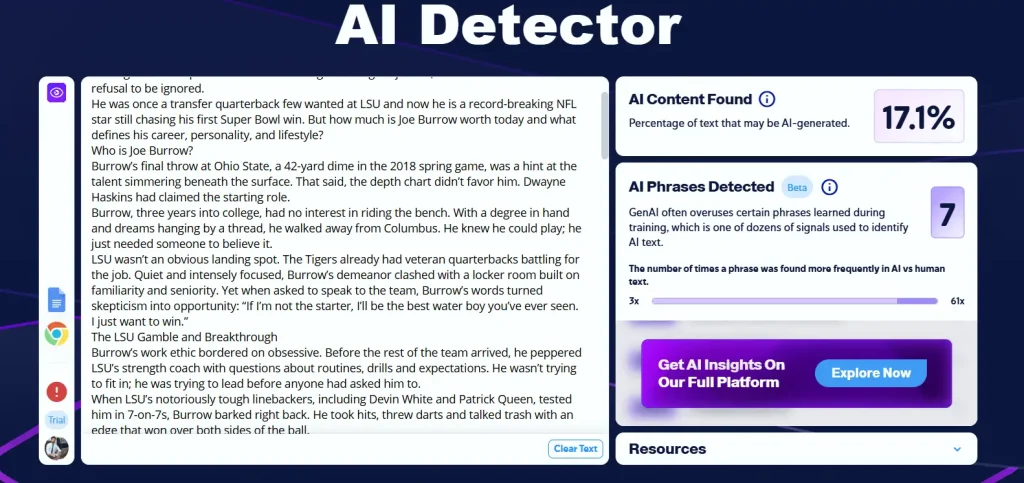
Copyleaks positions itself as more than just a plagiarism checker, it’s a complete originality and AI content detection platform.
The modern digital progression has made it incredibly easy to access information and data through online modes. However, plagiarism is one of the most significant issues associated with it. Therefore, Copyleaks appeared as a powerful solution to overcome this challenge.
You can easily check your text with the help of this popular platform and take your experience to an advanced level. In this blog post, I have elaborated on different aspects of this tool to help you utilize its full potential.
Copyleaks is an advanced plagiarism detection platform that is designed specifically to identify and prevent the duplication of content.
It features advanced algorithms and artificial intelligence that can help you analyze larger texts and compare them with a database from multiple online sources to check the matching text.
These sources include the likes of online sources, academic journals, proprietary repositories, and other publications. Hence, you can have the ultimate hands-on advantages to help you grow successfully in this highly competitive world.
Copyleaks Company Overview
Copyleaks Ltd. is a leading technology company specializing in plagiarism detection, AI content analysis, and intellectual property protection. It was founded in 2015 by Yehonatan Bitton and Alon Yamin and headquartered in Stamford, Connecticut.
Copyleaks scans your text across a vast range of sources, including:
- Publications and digital media
- Academic journals and research databases
- Websites and online articles
- Proprietary repositories and internal documents
1. Multi-Layered Scanning
Copyleaks offers a multi-layered scanning capability that includes the likes of texts, visuals, and code-based analysis. Hence, it has guaranteed comprehensive plagiarism detection across different types of content.
2. Accuracy and Precision
Copyleaks delivers accurate and precise results by taking advantage of the potential of machine learning algorithms. It ensures the elimination of the chances of false positive and false negative results. Hence, the credibility and reliability of your writing are maintained.
3. Multiple File Formats
Another compelling feature of Copyleaks is that it supports files of various formats. These include PDFs, HTML, DOCX, TXT, and many more. It will enable users to scan their content regularly regardless of its form.
4. Real-Time Monitoring
Copyleaks has another integrated feature of real-time monitoring which enables it to track the integrity of content continuously.
Hence, it identifies the chances of plagiarism by matching the content with a vast database and helps you to take action right on time.
5. Integration of API
Copyleaks offers a seamless integration of API to allow developers to add the plagiarism detection ability of this tool directly to their applications, content management systems, or websites. It will boost their functionality incredibly.
Copyleaks functions using an intelligent combination of AI, Natural Language Processing (NLP), and deep search algorithms.
- Users submit the content they want to check via file upload or text input.
- The content is analyzed and broken down linguistically and semantically to detect paraphrasing or AI-generated patterns.
- Copyleaks compares your content with billions of webpages, academic sources, and databases to locate matches.
- A detailed report is generated, highlighting matched sources, similarity percentages, and whether content appears AI-generated.
- Copyleaks offers insights into whether content needs to be reworded or cited to improve originality.
📢 Did You Know? Developers can integrate this entire process via API into CMS platforms or educational portals.
<strong>How to Use Copyleaks?</strong>
- Go to Copyleaks.com and create an account or log in to your existing one.
- If you click on continue with Google and creating account, you will have to provide the information like, name, and work details.
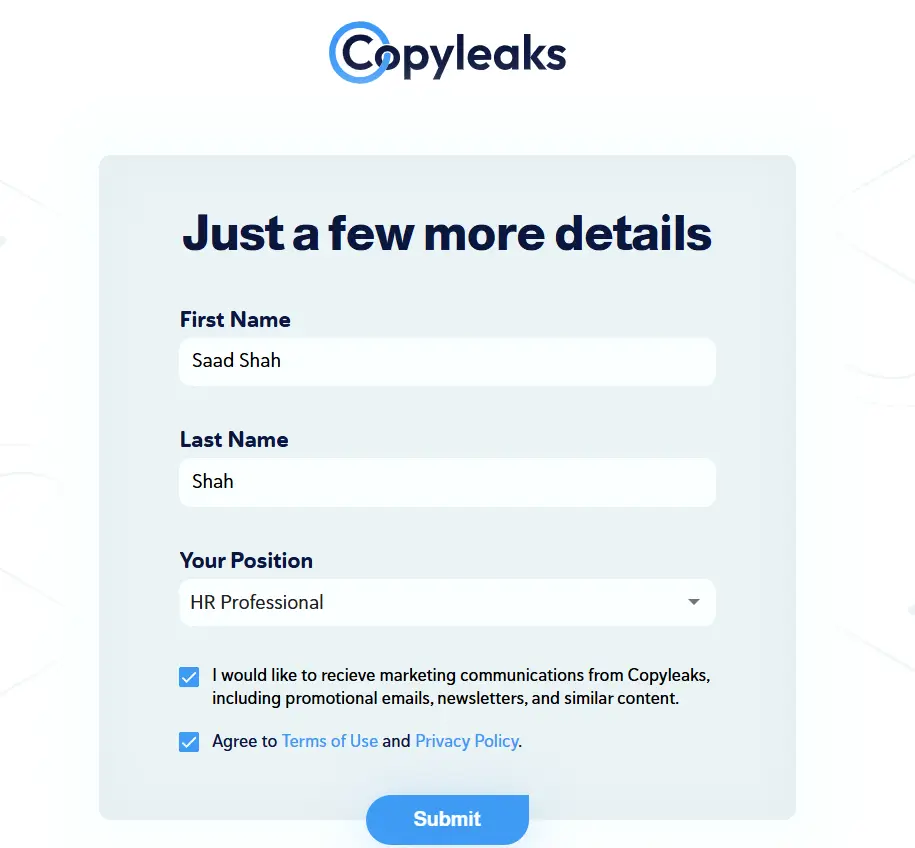
- Now you will reached to the Copyleaks Dashboard of your account, and from here click on the New Scan option.
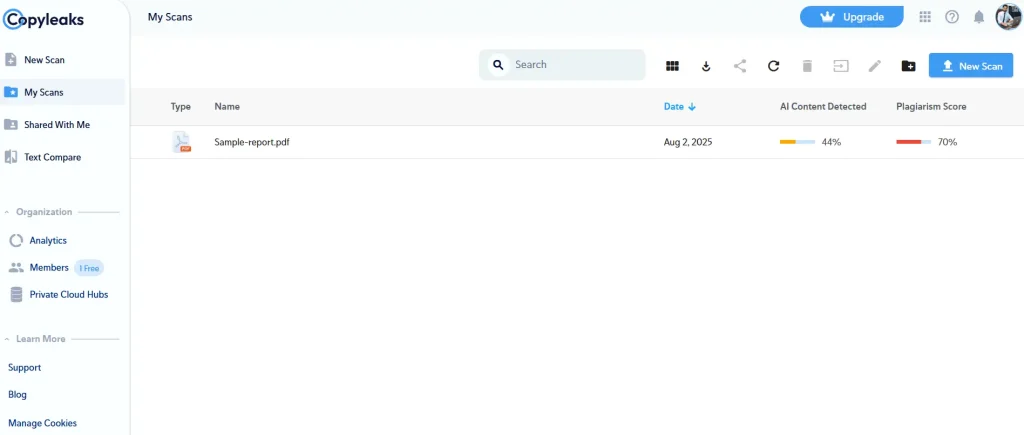
- When you click on it, you will multiple option, i.e,. upload supported files like DOCX, PDF, TXT, or HTML or simply copy-paste your content into the text box. Click any of these
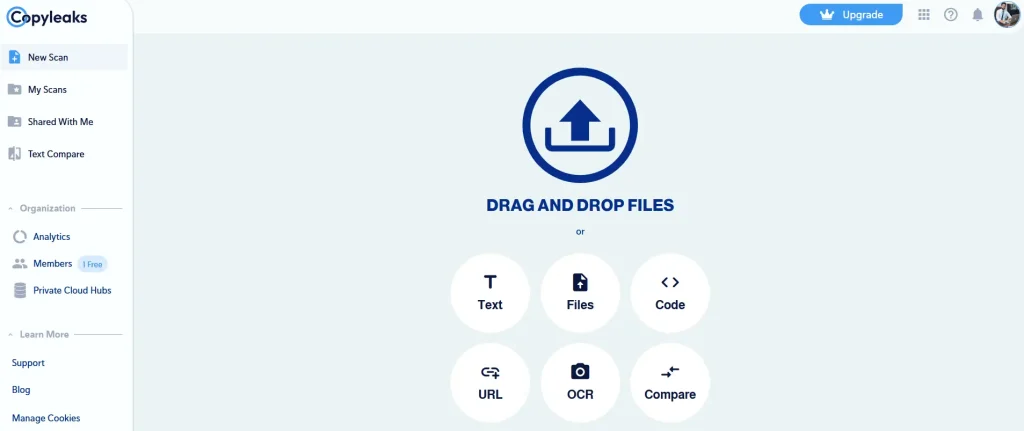
- Now tick the boxes for References, Quotes, Citations, or Table of Contents, if you want Copyleaks to ignore these parts during scanning.
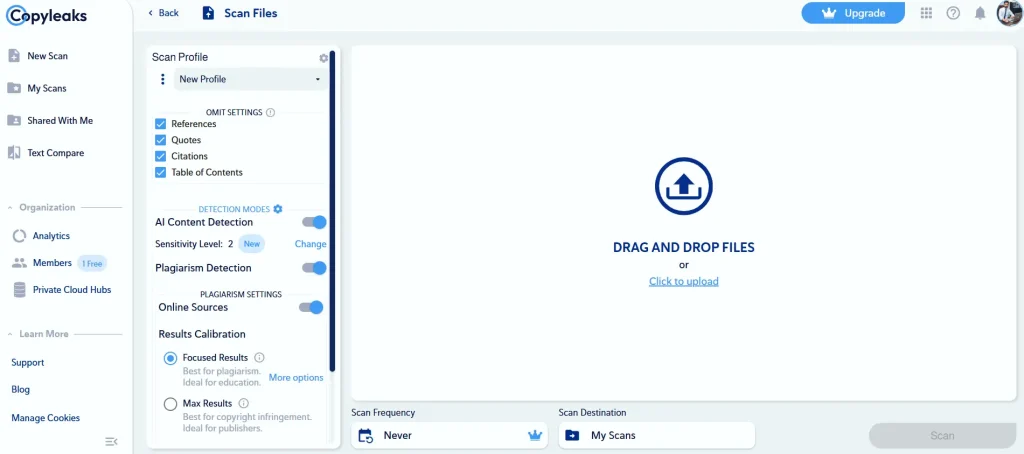
- Enable Detection Modes
- AI Content Detection – Toggle it on to identify AI-generated text.
- Plagiarism Detection – Enable this to check for duplicate content.
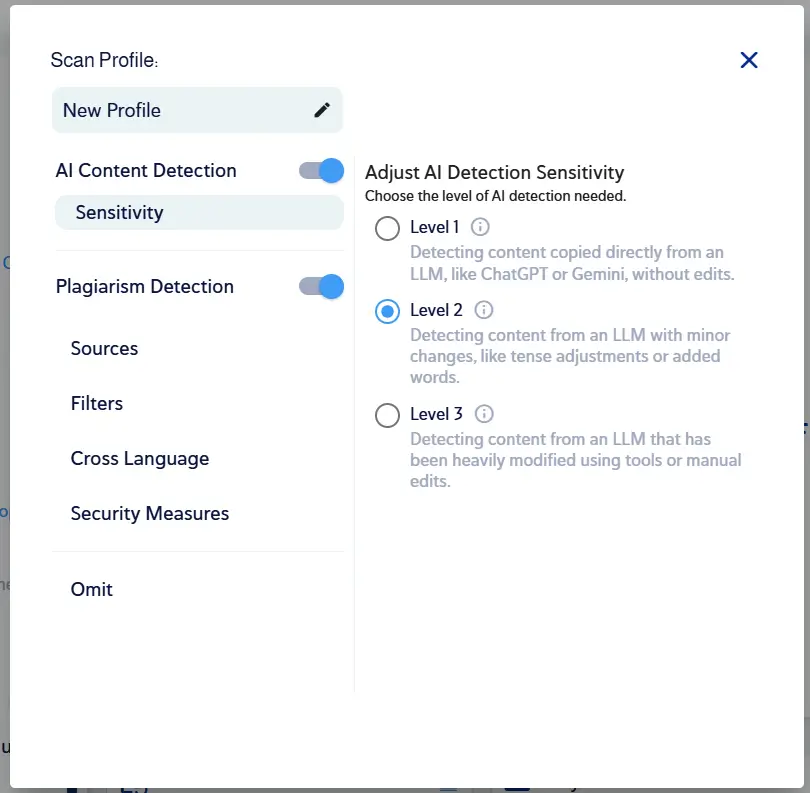
- You can also adjust the AI Sensitivity Level for better accuracy.
- Drag and drop your file into the upload box, after uploading the document click on the Scan button. It will show you all the results related to your docmuent.
How to Use Copyleaks AI Content Detector (2025)
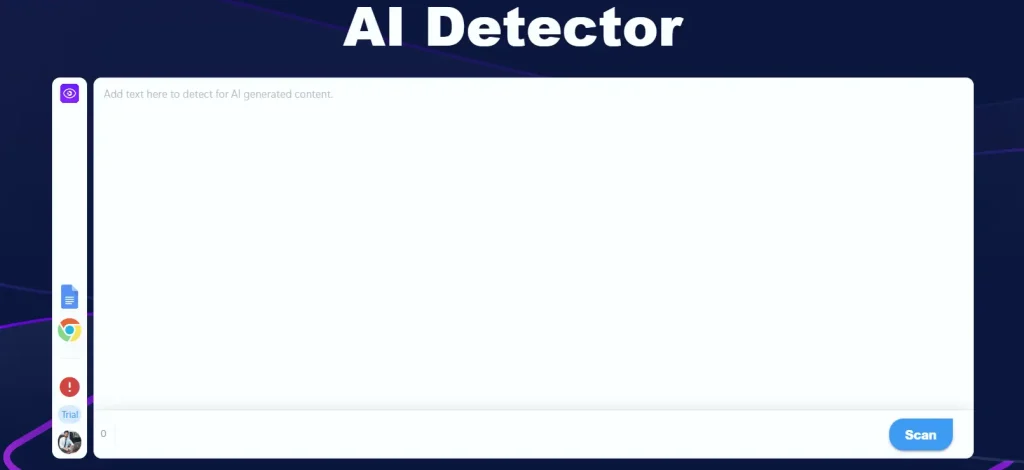
- Copy the text you want to check and directly paste your content into the text box on the page.
- Click “Detect AI Content” or “Scan” to begin processing.
- Copyleaks analyzes the text using AI and NLP algorithms for signs of generated content.