ForkLift is a powerful file manager that combines robust file management with versatile file transfer capabilities, bridging the gap between local and remote files. It streamlines file management and transfers, making the process smoother than ever, whether you’re dealing with cloud services or traditional FTP and SFTP servers.
ForkLift 4 offers an all-in-one solution for efficient file management and seamless file transfers across multiple platforms and services.
Accessing, organizing, synchronizing, and sharing files should be hassle-free, especially with the rise of cloud service providers like Dropbox, Amazon S3, Google Drive, and OneDrive.
Is ForkLift worth it compared to alternatives like Finder or Nimble Commander?
Many users appreciate ForkLift’s dual-pane layout, batch operations, archives support, and advanced sync features. It offers better transfer management and preview behavior compared to rivals, although some users find the interface not as lightweight or intuitive.
Is it easy to switch from Finder to ForkLift as the default file manager?
Yes, you can set ForkLift as the system default for opening folders by running a simple command in Terminal.
Which protocols can I connect to ForkLift?
ForkLift supports various protocols including SFTP, FTP, WebDav, Amazon S3, Google Drive, OneDrive, Dropbox, and more. You can manage files across networks, connect to multiple servers simultaneously, and even copy between them with drag and drop.
Is ForkLift free?
You can download a time-limited trial of ForkLift, but you will need to purchase a license to continue using it.
Features
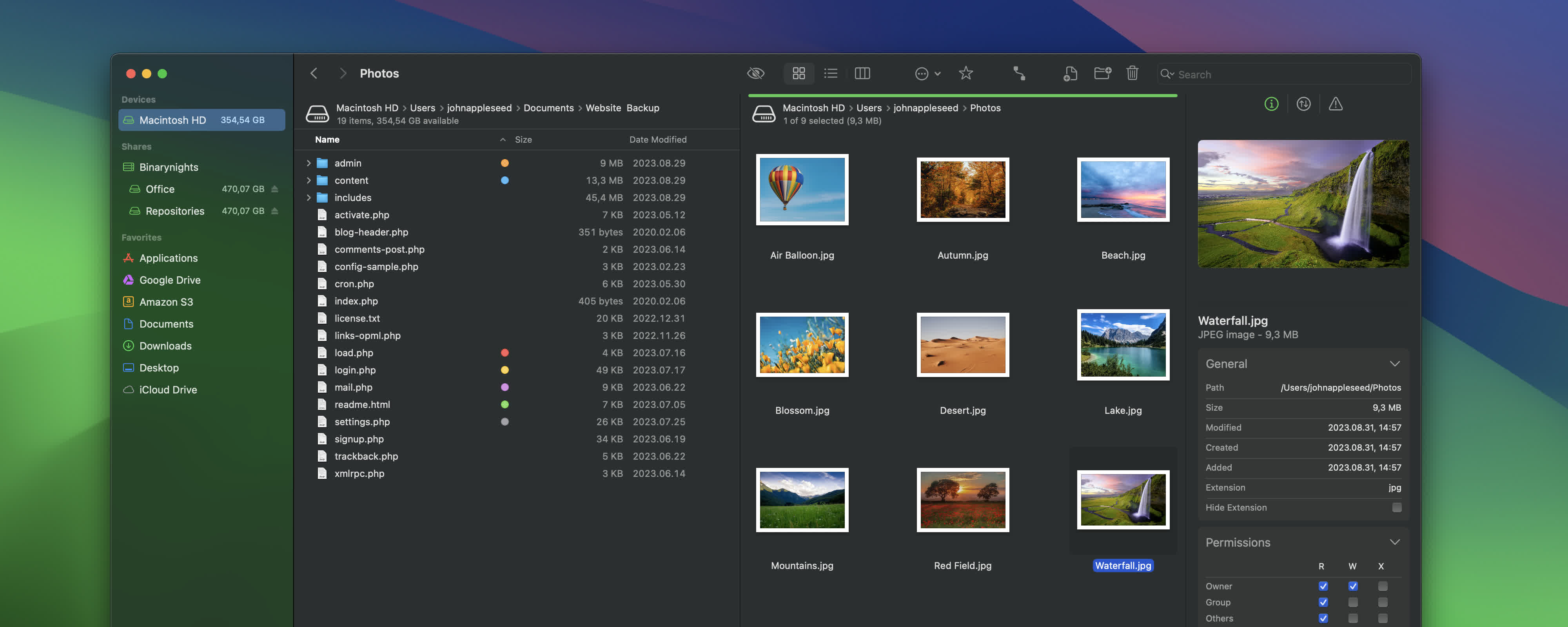
Remote Connections
ForkLift allows you to connect to various remote servers and manage files efficiently across networks.
Sync
Compare and synchronize local or remote folders easily with ForkLift.
Favorite Paths
Experience enhanced efficiency for remote destinations with favorite paths.
Preview
The preview panel provides useful information about selected files, allowing you to play audio and video files, inspect images, and edit text files.
Activity View
Track your file management tasks in real-time with the activity view feature.
Quick Open
Quickly access favorites, devices, menu commands, and more with the quick open feature.
Log View
Get insights into your file management activities in one convenient place.
Favorite Sync
Keep your favorites synchronized across multiple computers via iCloud.
And much more…
What’s New
External Drive Tags, comments, and Checksum Improvements
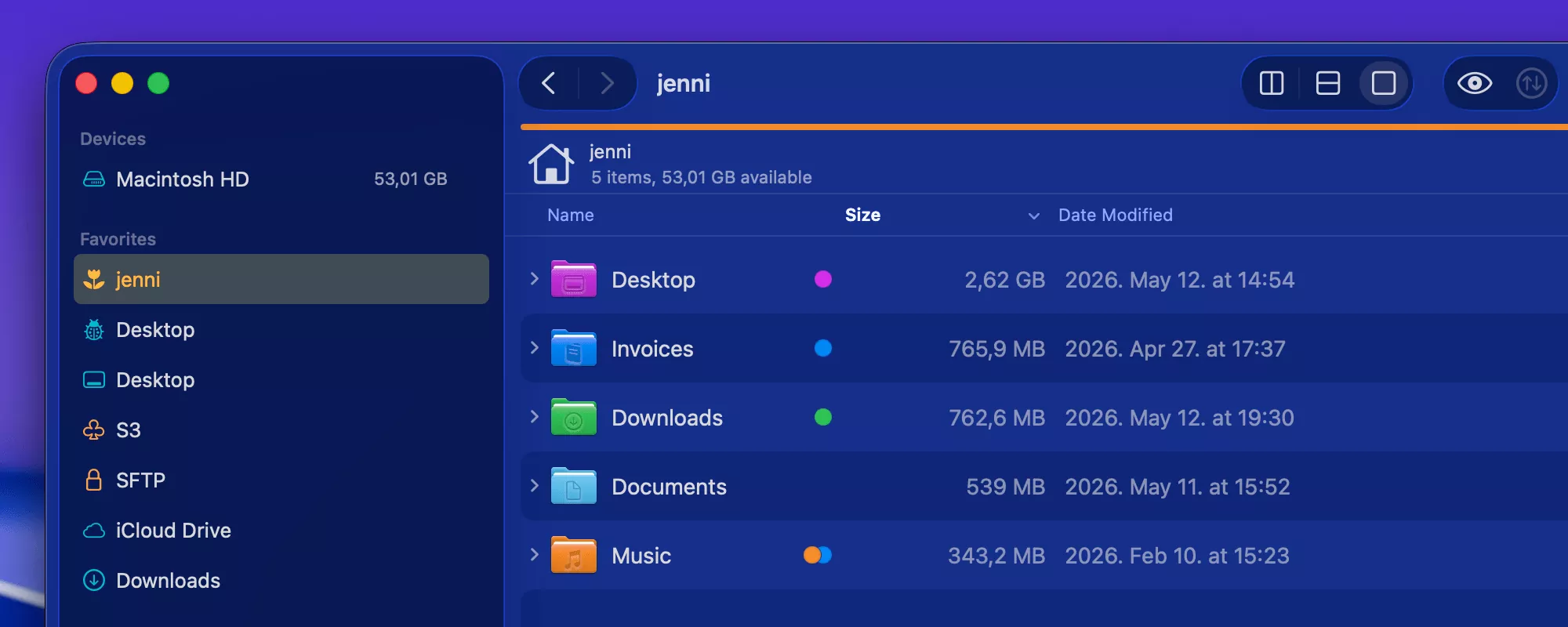
ForkLift 4.6.2 introduces improvements to checksum calculations, display of tags on external drives, and comments added in ForkLift. Various fixes and enhancements have been made for a better user experience.
Changes to the Preview API on macOS Sequoia and Tahoe
Version 4.6.2 addresses issues with the Preview API on macOS Sequoia and introduces fixes and improvements for users on macOS Tahoe. Several other fixes and enhancements have been included in this update.
For a full list of changes, refer to the release notes.
Two Powerful New Features in ForkLift 4.6
ForkLift 4.6 introduces features like smarter tagging and autocompletion, improved control over sidebar tags, and the ability to assign tags directly from the sidebar. It also enhances custom tools, allowing users to add tools to the toolbar and customize tool icons.
For more details on these features and other improvements, check out the latest updates in ForkLift 4.6.
